See The New Fuel Live On Sep 30, 12 PM ET


NetSuite brings your finance, inventory, CRM and operations into one system. But for many businesses, it’s only the beginning.
To get real-time insights and better forecasting, teams often need NetSuite to sync with the tools they already use—like sales systems, planning platforms and e-commerce software.
In this guide, we’ll cover the top NetSuite integrations and the tools that work best alongside your ERP.
See also: Detailed NetSuite review
If NetSuite is your business's central nervous system, it's only logical that it needs to talk to your other organs to keep everything running smoothly.
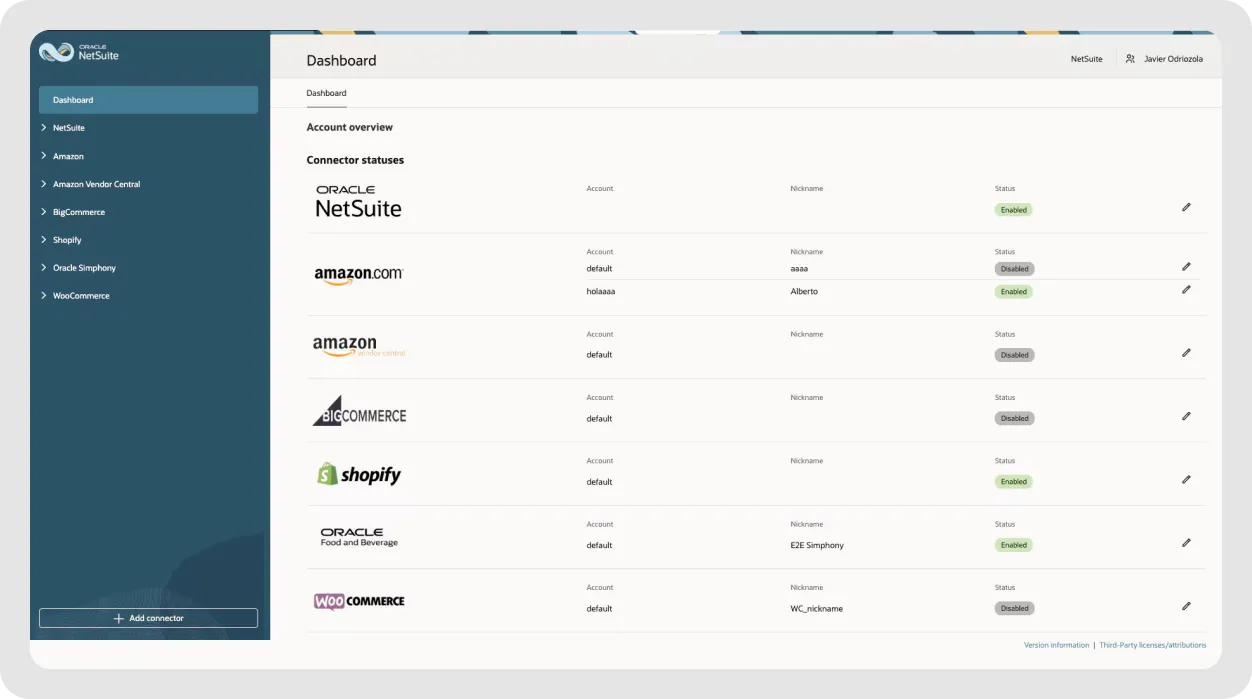
Here's what happens when you connect NetSuite with the right tools:
See also: NetSuite alternatives for clearer finances
You've got several ways to connect NetSuite with other systems, with different levels of technical complexity and flexibility:
Most business-critical NetSuite integration uses two-way data sync, meaning information flows in both directions. When a sales order updates in NetSuite, your CRM sees it immediately. When a customer support case gets logged, NetSuite records sync automatically. This eliminates the delays and errors that come from treating each platform as a separate data silo.
You don't need a million tools; just the right ones that extend NetSuite's capabilities and connect your key systems without adding complexity.
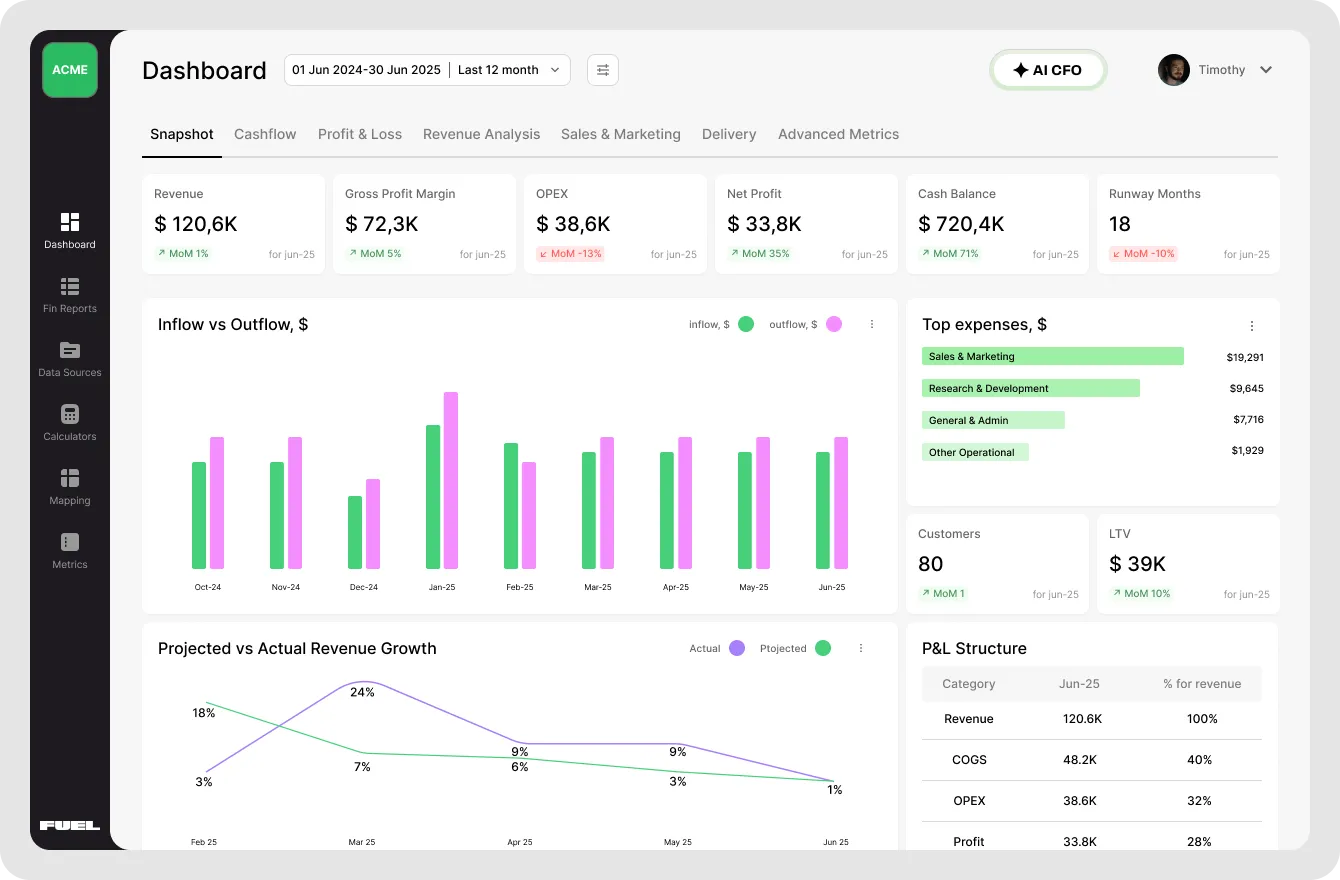
Fuelfinance is your financial command center that makes sense of your NetSuite data. While NetSuite stores your financial data, Fuelfinance automatically organizes, analyzes and visualizes it for strategic decision-making. It can work in your familiar spreadsheets or as a standalone platform.
Connect your NetSuite account to see all possible information, including date, account, description, counterparty, project and product, and access real-time P&L, cash flow forecasts, unit economics, and AI-powered forecasting without manual spreadsheet work.
The platform connects to your NetSuite environment through secure NetSuite API integration. Unlike basic data exports, Fuelfinance processes this information in real-time to give you insights you can actually use, based on your actual Invoices, Bills, Bill payments, Payments, Transfers, chart of accounts, the list of all products, and starting balances for the Balance Sheet report. All this to give you accurate, proactive FP&A with detailed forecasts and growth action plans powered by proprietary software, AI and real human experts.
Fuelfinance is perfect for agencies and growing companies that need financial management solutions beyond what NetSuite's native reporting offers. If you're spending more time organizing data than analyzing it, you need this.
Request a demo to see how Fuelfinance transforms your NetSuite data into growth strategies.
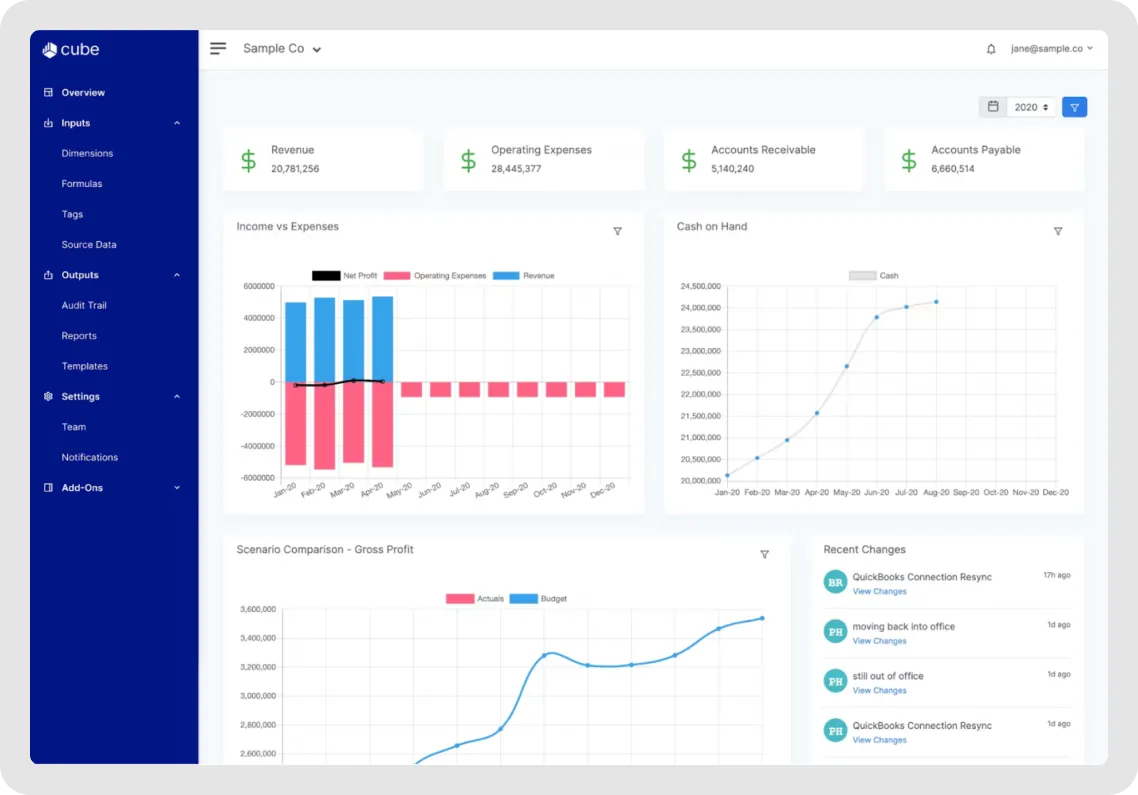
Cube bridges NetSuite and Excel/Google Sheets. It syncs your NetSuite Chart of Accounts and transaction data directly into the environment where your team already works.
The integration eliminates those giant, slow data pulls that crash your spreadsheets. Instead, Cube's API brings in exactly what you need, when you need it. Your team keeps their familiar Excel formulas and layouts while working with live NetSuite data.
Just know that Cube focuses heavily on the Excel experience—if you want to move beyond spreadsheets entirely, look elsewhere.
See also: Cube vs Datarails comparison
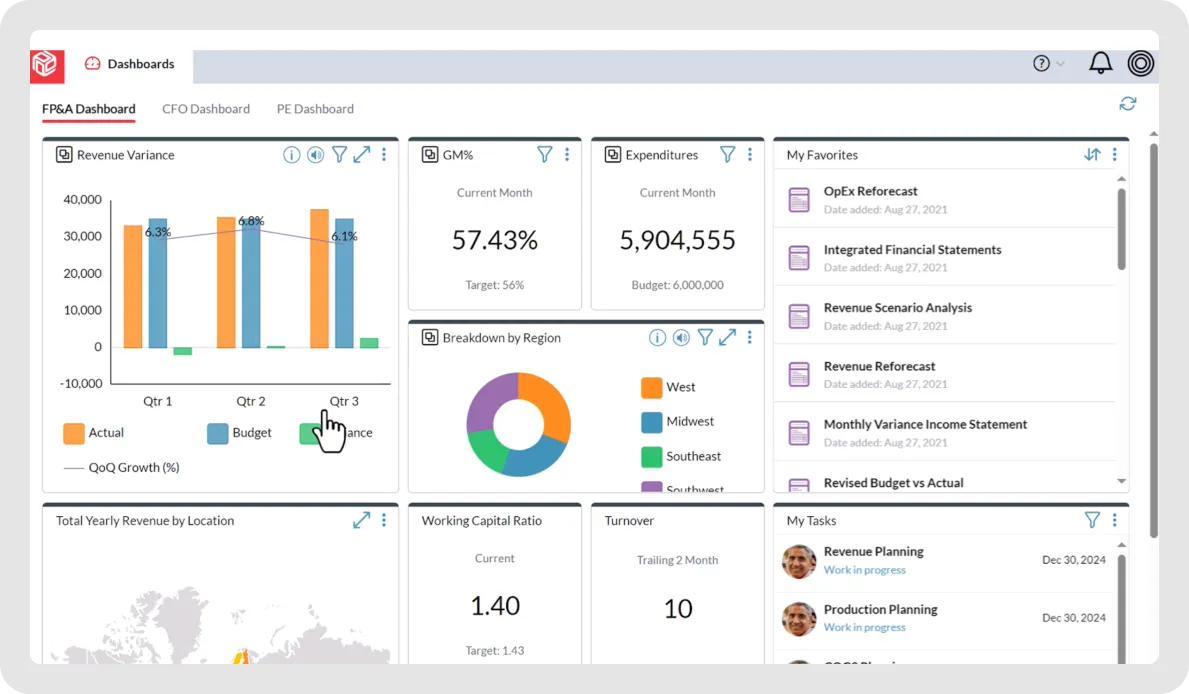
Prophix takes NetSuite financial data and adds enterprise-grade planning and budgeting capabilities for organizations that need to manage complex budgets, run multiple scenarios, and automate processes across business operations.
Finance teams can build detailed financial models, track plan vs. actual performance, and generate sophisticated reports that NetSuite's native tools can't match. The integration handles data transfer seamlessly while maintaining audit trails for compliance.
Prophix is overkill for smaller businesses but shines at mid-market to enterprise scale, where FP&A software needs are complex.
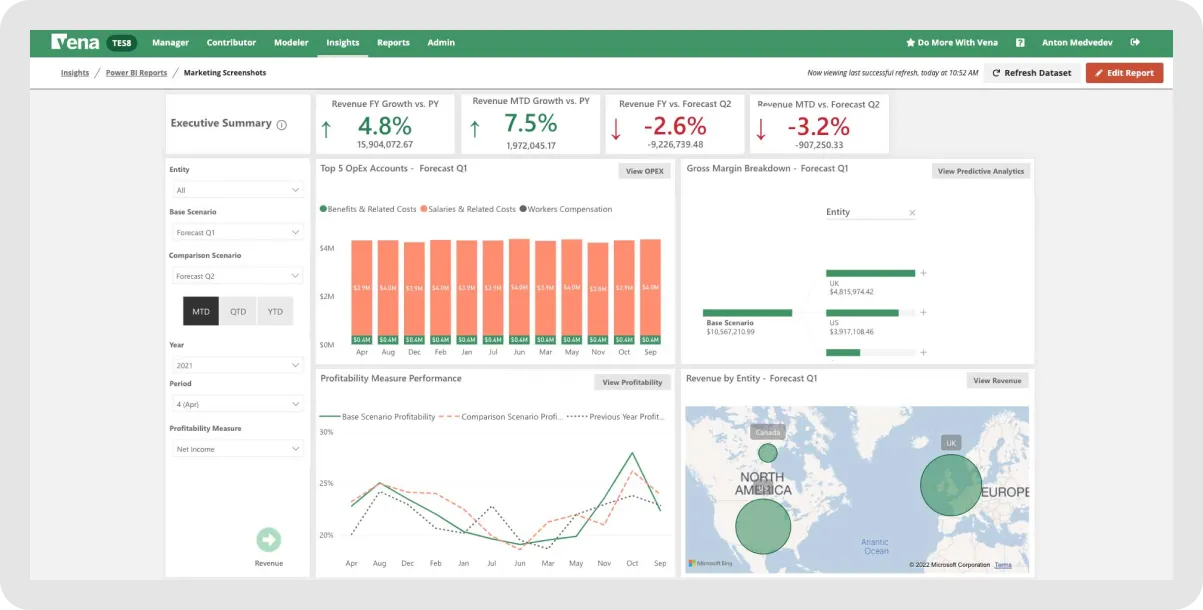
Vena gives you a native Excel interface while connecting to NetSuite in the background. It's like Cube's more feature-rich cousin—you work in Excel, but Vena handles the database, workflows and consolidation behind the scenes.
The platform syncs with NetSuite for general ledger and ERP data, then layers on planning, budgeting and reporting capabilities. Everything feels like Excel because it IS Excel, just with enterprise database power underneath.
Finance teams that love Excel but need more horsepower choose Vena, because it scales better than pure spreadsheet approaches. See how it compares in our Vena competitors roundup or compared to Datarails.
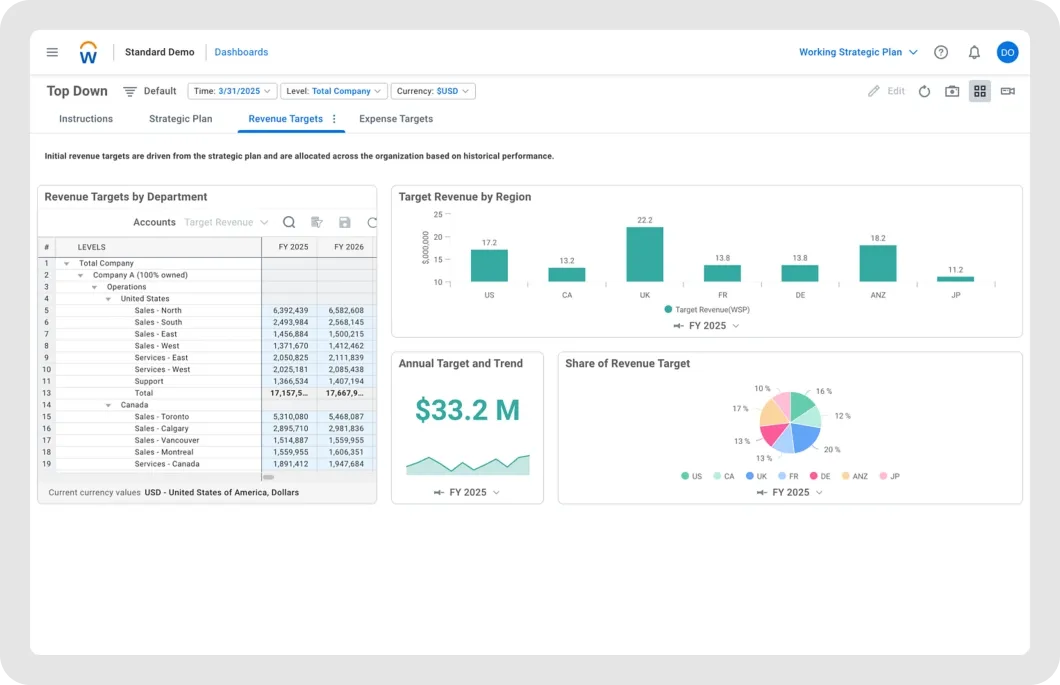
Workday Adaptive Planning connects with NetSuite to provide enterprise-level financial planning and analysis. It's designed for large organizations with complex planning needs across multiple departments and subsidiaries.
The platform pulls data from NetSuite and other key systems to create unified planning models. NetSuite customers using Adaptive Planning get sophisticated financial forecasting tools, workforce planning, and reporting that goes beyond basic NetSuite functionality. The SuiteCloud platform integration ensures secure data transfer while maintaining complete audit trails.
Workday targets larger enterprises with significant planning complexity. Smaller businesses often find it more than they need—and more expensive than alternatives that give similar insights.
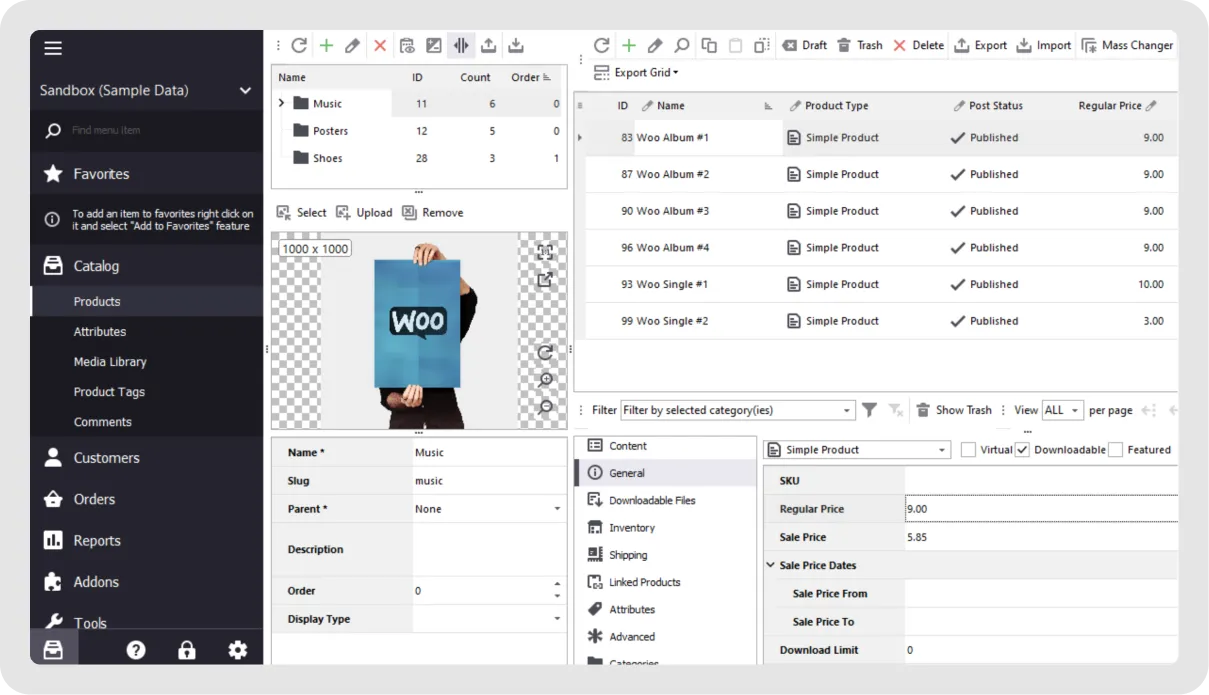
The WooCommerce NetSuite integration automates your order-to-cash process for WordPress stores. When customers check out, orders flow automatically into NetSuite as sales orders or cash sales. Inventory levels sync back to prevent overselling.
Product information, customer details, and order data move bidirectionally between your web store and NetSuite account without CSV data exports or manual imports.
For e-commerce businesses using WordPress, this eliminates the nightmare of managing inventory data across multiple channels and ensures your NetSuite records stay up to date.
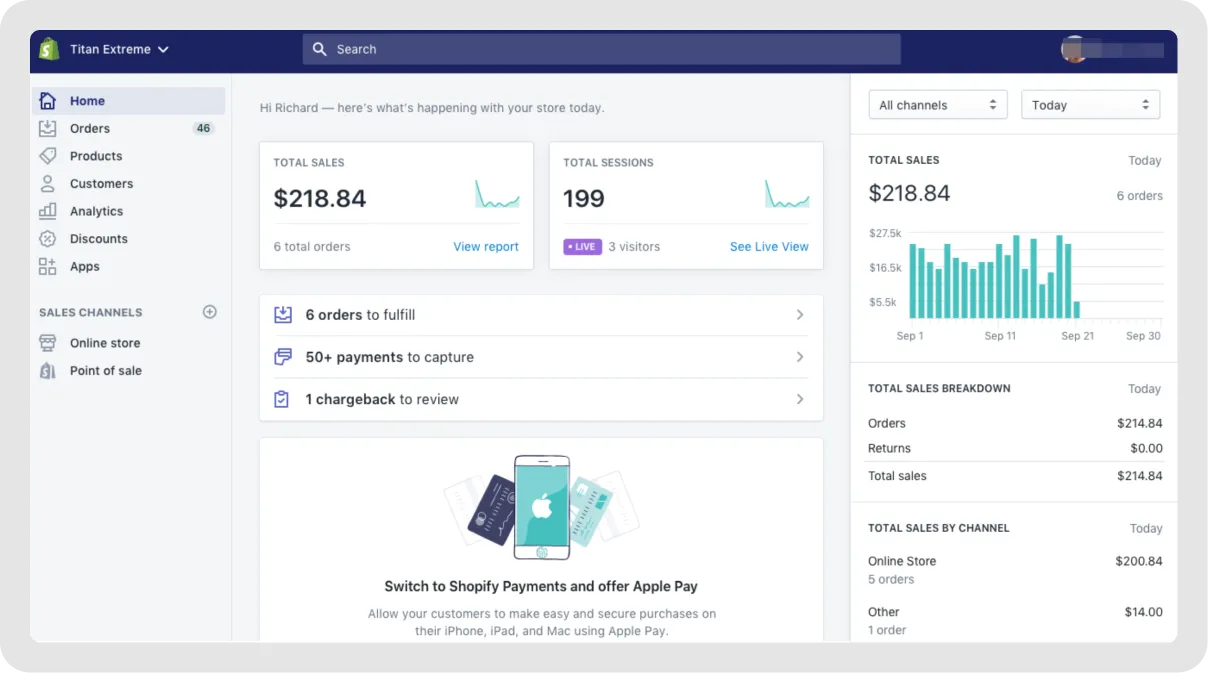
With the Shopify NetSuite integration, orders from your Shopify storefront automatically create NetSuite records through efficient API calls, while inventory data flows back to prevent stockouts.
The bidirectional sync handles orders, customers, products, inventory, refunds and fulfillment status. Your support team sees the same sales data as your warehouse team because NetSuite and Shopify stay aligned through this single system integration.
Companies scaling on Shopify need this to avoid the manual processes that break at high volume. The NetSuite connector can handle thousands of orders daily.
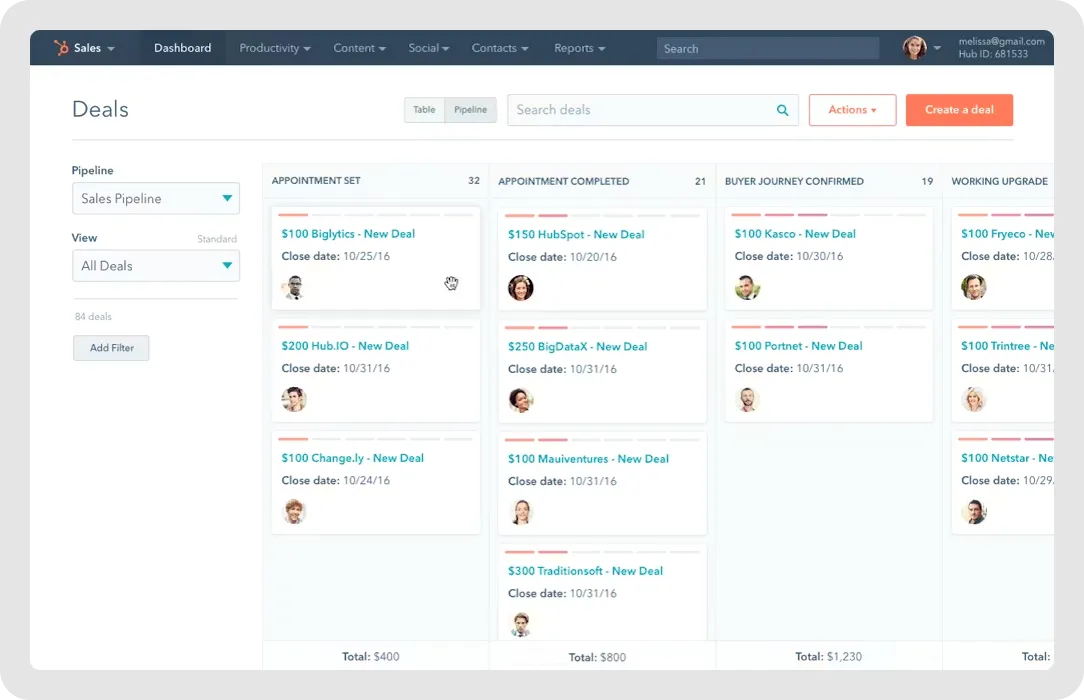
The HubSpot-NetSuite integration unifies your sales and marketing data with your financial systems. When deals close in HubSpot, they automatically generate NetSuite sales orders. Customer information stays synchronized, so both teams work from the same records.
The integration connects customer relationship management with business data. Sales reps see invoices, payment status, and order history without leaving HubSpot. Finance teams get visibility into the sales pipeline for better forecasting. All customer interactions get tracked in both systems with complete audit trails.
Mid-market companies using HubSpot for CRM and NetSuite for ERP eliminate data silos with this integration. It's particularly valuable for B2B businesses with complex sales cycles and supply chain operations. For related tools, explore our guide on other HubSpot connectors.
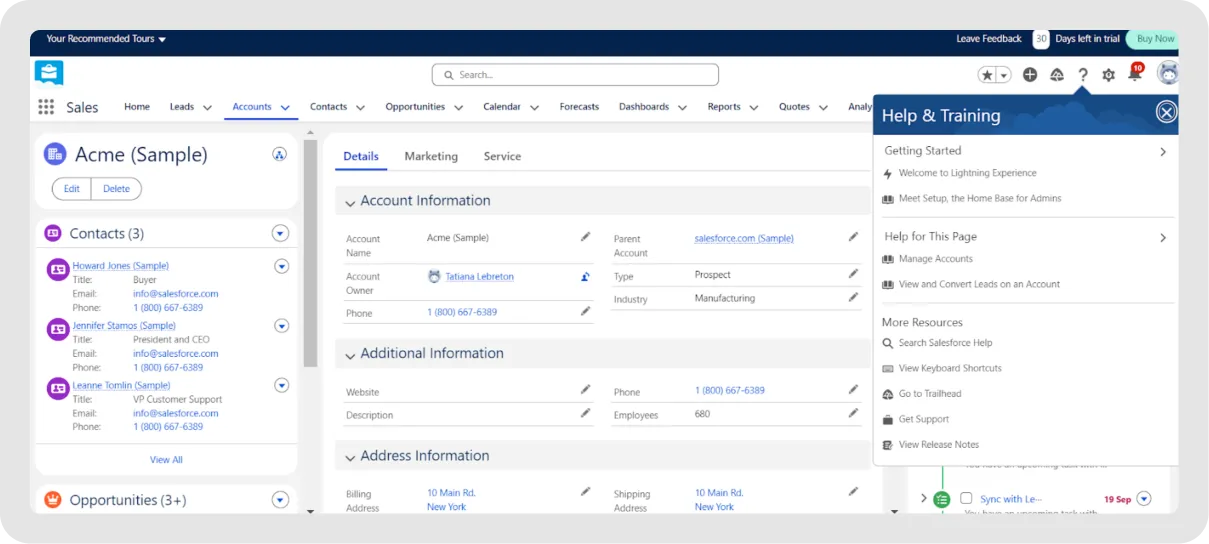
With the Salesforce-NetSuite integration, your sales teams get real-time visibility into customer financials, inventory availability, and order status without leaving the CRM. Finance teams see the complete customer journey from lead to payment.
The NetSuite connector for Salesforce helps organizations enhance financial management, customer management, and item management, handling complex data transfer while maintaining complete audit trails.
Large enterprises running both platforms need this integration to break down silos between sales and finance. It eliminates the delays that frustrate customers and slow deals. See also our extensive guide on other Salesforce integrations.
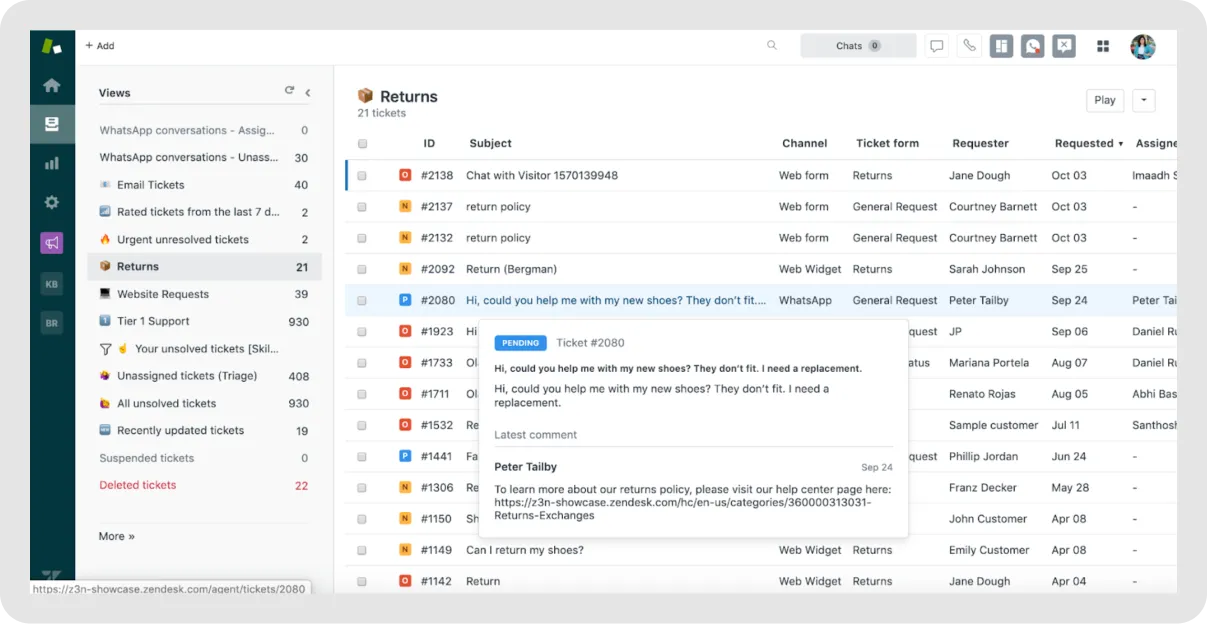
The Zendesk integration gives your customer support team instant access to order history, invoices and account details directly in support tickets. Agents resolve issues faster because they have access to the full customer context in NetSuite.
The integration automatically syncs support cases, RMAs and time tracking between platforms. When customers contact support about orders or billing, agents have all NetSuite data. All customer interactions get logged in both systems with complete audit trails for quality monitoring.
Support-focused businesses using Zendesk see immediate improvements in resolution time and customer satisfaction.
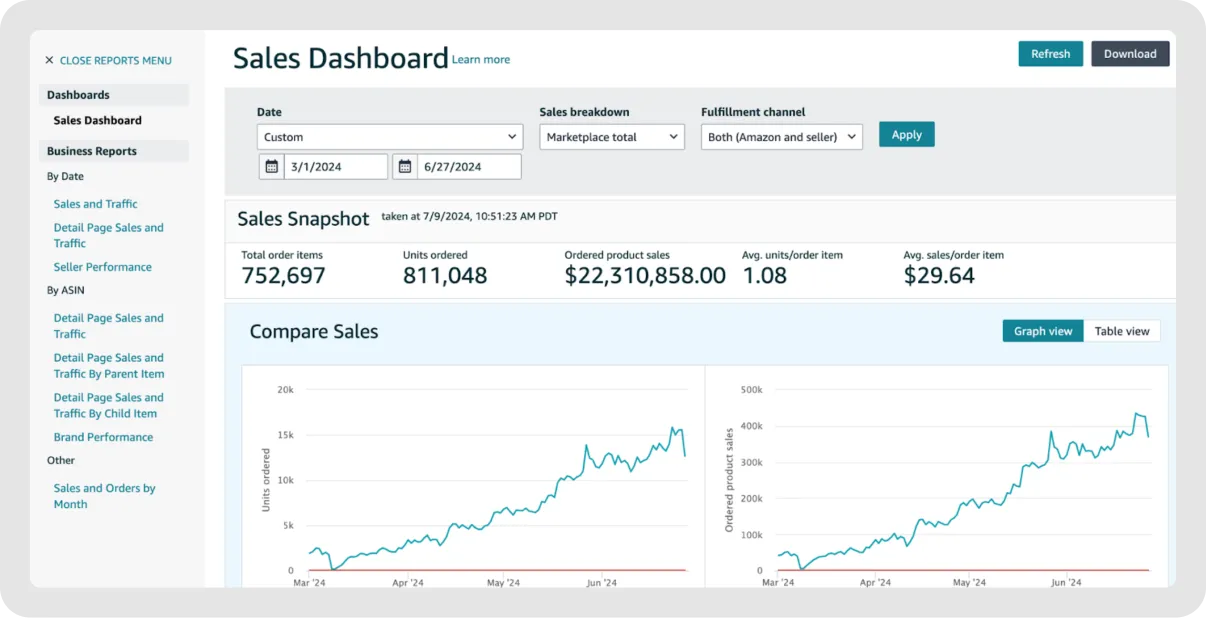
While not a standalone tool in our comparison, the Amazon integration deserves special mention. Many NetSuite users sell through Amazon FBA (Fulfillment by Amazon) or FBM (Fulfillment by Merchant) and need that data sync.
The Amazon-NetSuite integration automates order processing, inventory management and financial reconciliation for marketplace sellers. Orders from Amazon automatically create NetSuite sales orders, while inventory levels sync back to prevent overselling. The integration handles complex scenarios like FBA fees, multi-channel fulfillment, and customer returns.
Most growing businesses hit the same wall: NetSuite handles the core financials, but strategic planning, forecasting and analysis require a layer on top.
If you need strategic financial insights, Fuelfinance transforms NetSuite data into growth strategies with AI-powered CFO capabilities, automated financial reporting tools, and customizable, real-time dashboards. Perfect for SMBs and agencies that need financial analysis without a full finance team. The platform handles complex data transfer from over 350 data sources while following best practices for financial management.
Request a demo and see how Fuelfinance makes NetSuite data actually useful for your growth.
Fuelfinance leads for SMBs and agencies seeking strategic insights, AI forecasting, expert help and automated dashboards that pull data from multiple sources. Other options worth considering include Cube, Prophix or Vena.
Not always. The Fuelfinance and NetSuite integration is all automatic. Pre-built connectors from vendors like Celigo, Oracle NetSuite, or integration platforms work without coding and handle standard CRUD operations automatically. You'll need fewer technical resources for standard integrations like Shopify or HubSpot. Custom integrations using NetSuite API integration require developer expertise, though. Most businesses start with prebuilt connectors and only build custom logic for unique processes.
NetSuite's native reporting shows your data as it exists in the system—essentially just data exports with formatting. Financial integration platforms like Fuelfinance pull data from NetSuite, plus your other business systems, to create comprehensive views across all data sources.
Native reporting requires manual report building and doesn't forecast well. Integrated platforms automate processes, provide scenario planning software capabilities, and generate insights that NetSuite alone can't deliver. They also connect key systems like HR systems, supply chain management and customer interactions into a single system view.
Simple prebuilt integrations take 1-2 weeks. Standard NetSuite connector implementations run 2-6 weeks, depending on data mapping complexity, number of data sources and required API calls. Custom integrations can take 2-3 months. It all depends on your tech needs and integration objectives.


Just imagine how that would transform your team’s productivity and focus? Talk to our financial experts to know more.




.webp)