See The New Fuel Live Recording


According to Verified Market Research, the FP&A software market hit $3.9 billion in 2023 and is racing toward $9.7 billion by 2031. With vendors rolling out features fast to compete for that growth, these tools are getting more complex and sticky. Translation: switching later will be painful. Better pick the right one now.
If you're here, you're likely considering Datarails as that choice, the Excel-native FP&A software that promises to automate your chaos while keeping you in beloved spreadsheets. But here's the thing: just because it works in Excel doesn't mean it's the smartest choice for modern finance teams.
In this Datarails review, we'll dig into what it actually delivers, where it falls short and why you may want to go for a different AI-powered alternative instead.
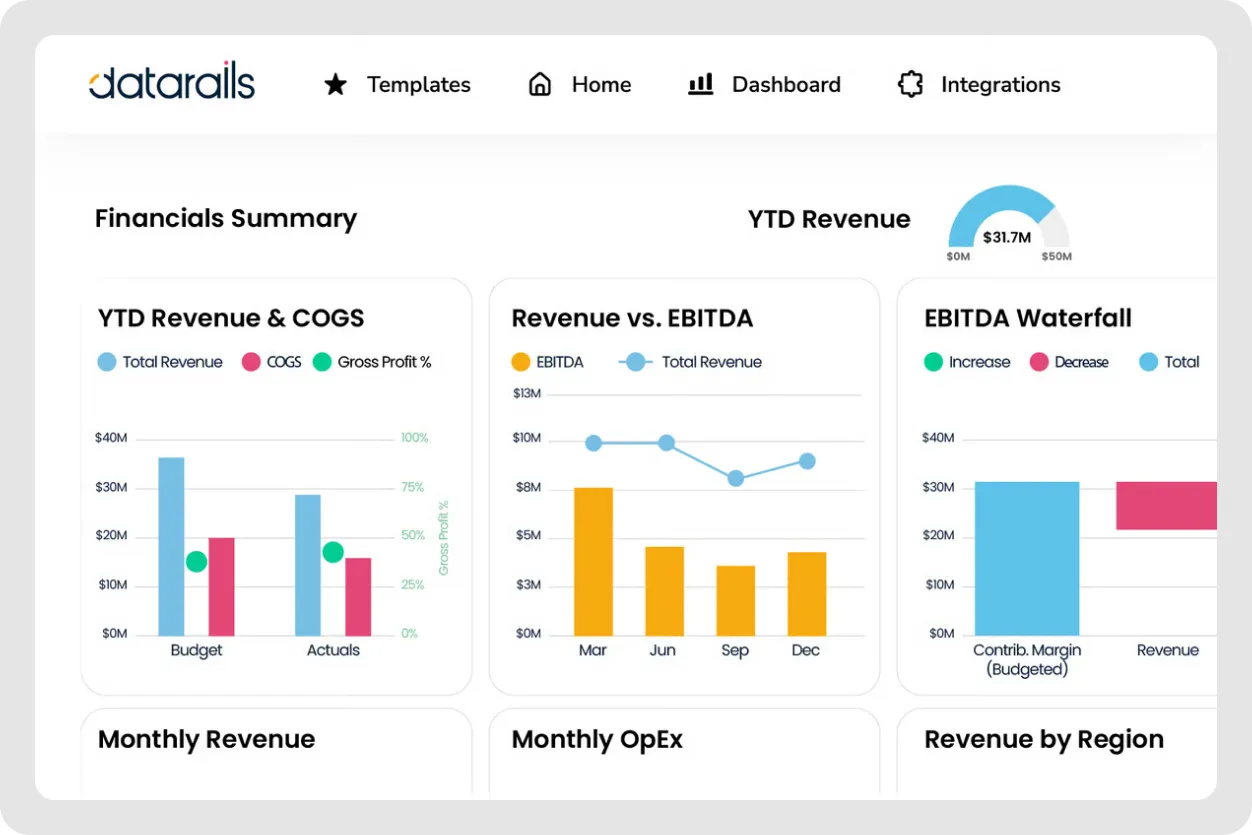
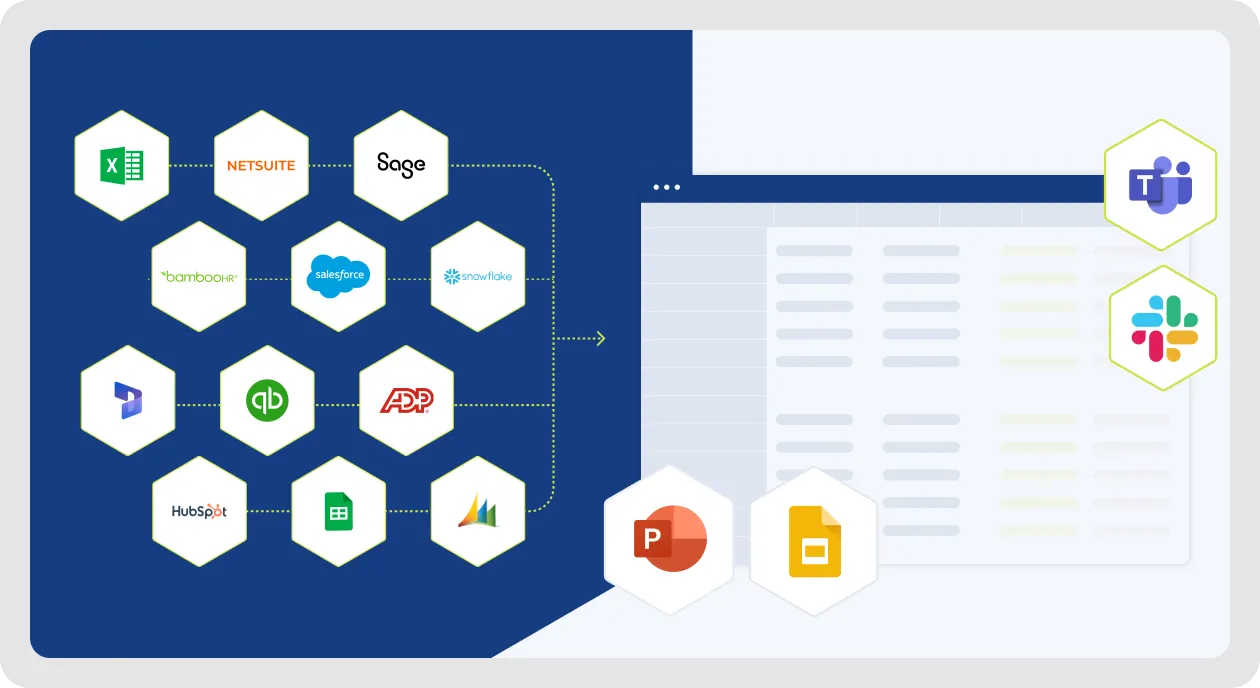
Datarails is an FP&A software for finance teams who want to stay in Excel, with over a decade of history on the market. It layers automation and analytics on top of your existing spreadsheets. Think of it as Excel on steroids—with data consolidation, automated reporting and AI insights baked in.
It suits mid-market businesses and large enterprises that have outgrown basic spreadsheets but aren't ready to abandon the native Excel functionality entirely. Datarails primarily serves industries like SaaS companies, manufacturing, healthcare and professional services — basically any company with complex financial models and multiple data sources needing better financial consolidation.
At its core, Datarails solves one big problem: it eliminates manual data collection, entry and consolidation, and financial reporting.
For finance teams stuck in repetitive monthly close cycles, that's genuinely valuable. But is it enough in 2026? Let's dig deeper.
Here's what Datarails brings to the table:
Datarails doesn't show pricing on its website. You'll need to contact the sales team for a custom quote based on the number of users, required features and integration needs.
Some sources mention that pricing typically is around $24,000-27,000 annually on average, but vary depending on company size and needs. That's just the software license; implementation time can take 3-6 months, depending on your complexity. Users comment that you need ongoing help to make your data work with their system.
The lack of transparent pricing is common among enterprise FP&A solutions in the software industry. For comparison, more modern financial management solutions like Fuelfinance also need to understand your needs before disclosing the costs.
Let's see the reviews users leave on websites like G2, Capterra and Software Advice. Currently, Datarails has a 4.6 rating on G2.
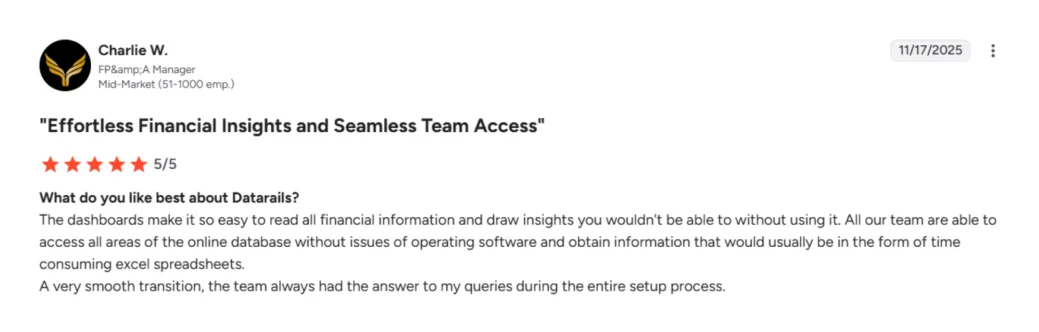
While conducting this Datarails review, we found some success stories that explain why finance teams choose it:
Datarails is suitable for mid-market companies with established Excel-based workflows, multiple entities and finance teams who value spreadsheet control over modern UX. If your CFO lives and breathes native Excel and has no interest in cloud-native financial planning software tools, Datarails makes sense.

Now for the uncomfortable truths that pop up repeatedly in customer feedback on popular software review sites:
Want the AI insights suite? You'll need to upgrade to premium plans, significantly increasing costs. Plus, it's not even that advanced. The conversational queries and basic insights work well, but there are no true predictive analytics beyond trend lines. Plus, the way it functions, you need to know exactly what to ask, because you won't get any proactive tips.
There is no fractional CFO or advisory service offering. As a result, client companies must fine-tune the system on their own. They don't address this gap with AI solutions.
Steep learning curve and limited functionalities in the basic plan? That means that Datarails isn't suitable for small startups, fast-growing SaaS companies needing agile financial planning, teams wanting cutting-edge AI functionality or businesses prioritizing modern user-friendly interface over Excel familiarity. The conclusion? Datarails, it seems, is too complex for small companies, yet not functional enough for the enterprise level.
If you're evaluating FP&A software, Datarails isn't your only option. Here are the leading Datarails competitors worth considering for better financial analysis software.
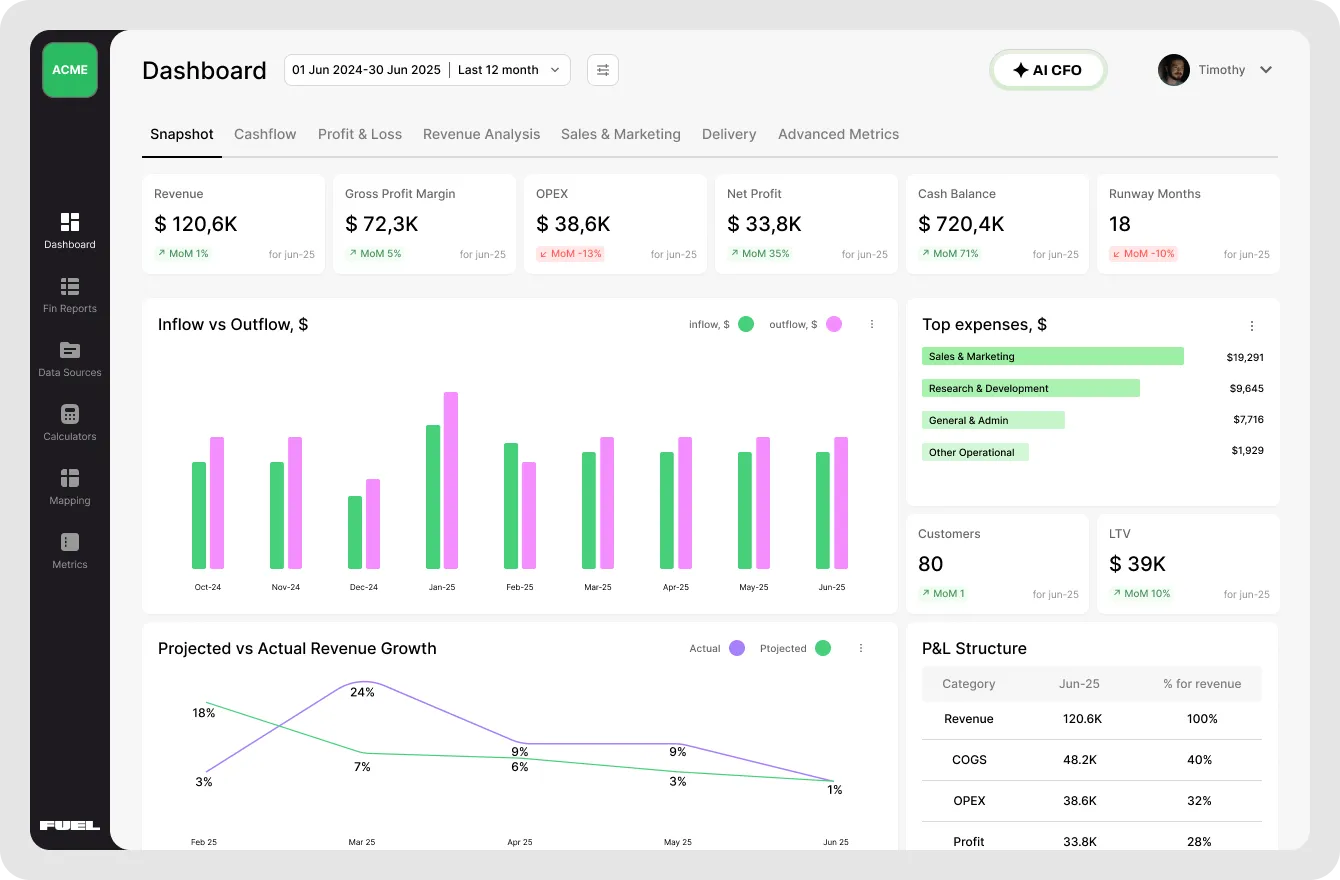
Fuelfinance takes a fundamentally different approach compared to other tools. It can connect with your spreadsheets or work as a standalone platform. This FP&A software combines AI-powered financial planning with dedicated human expertise. Instead of just automating your spreadsheets, you get intelligent AI forecasting, anomaly detection and natural language dashboard creation — plus a finance manager who actually understands your business and helps in the decision-making process.
Implementation time takes as little as two weeks. With 350+ integrations, it's built for founders who want financial transparency without the complexity or time-consuming setup.
Want to see how Fuelfinance handles your specific challenges? Book a demo where we'll show you exactly how our AI CFO analyzes your data and what insights you're missing.
Cube targets companies that love spreadsheets but want better collaboration and scenario modeling. It works natively with both Excel and Google Sheets, making it more flexible than Datarails for finance teams using mixed platforms. Best for finance professionals who need strong version control and multi-user strategic planning capabilities.
See also: Datarails Vs Cube: 2025 Comparison to Help You Choose

Mosaic is a financial reporting software for startups and mid-market companies. It emphasizes real-time reporting dashboards, driver-based planning and visualizations. Ideal for SaaS companies with investors who demand detailed unit economics and cohort analysis from their finance function. However, its AI features and predictive tools aren't as sophisticated as they could be, if you ask us.
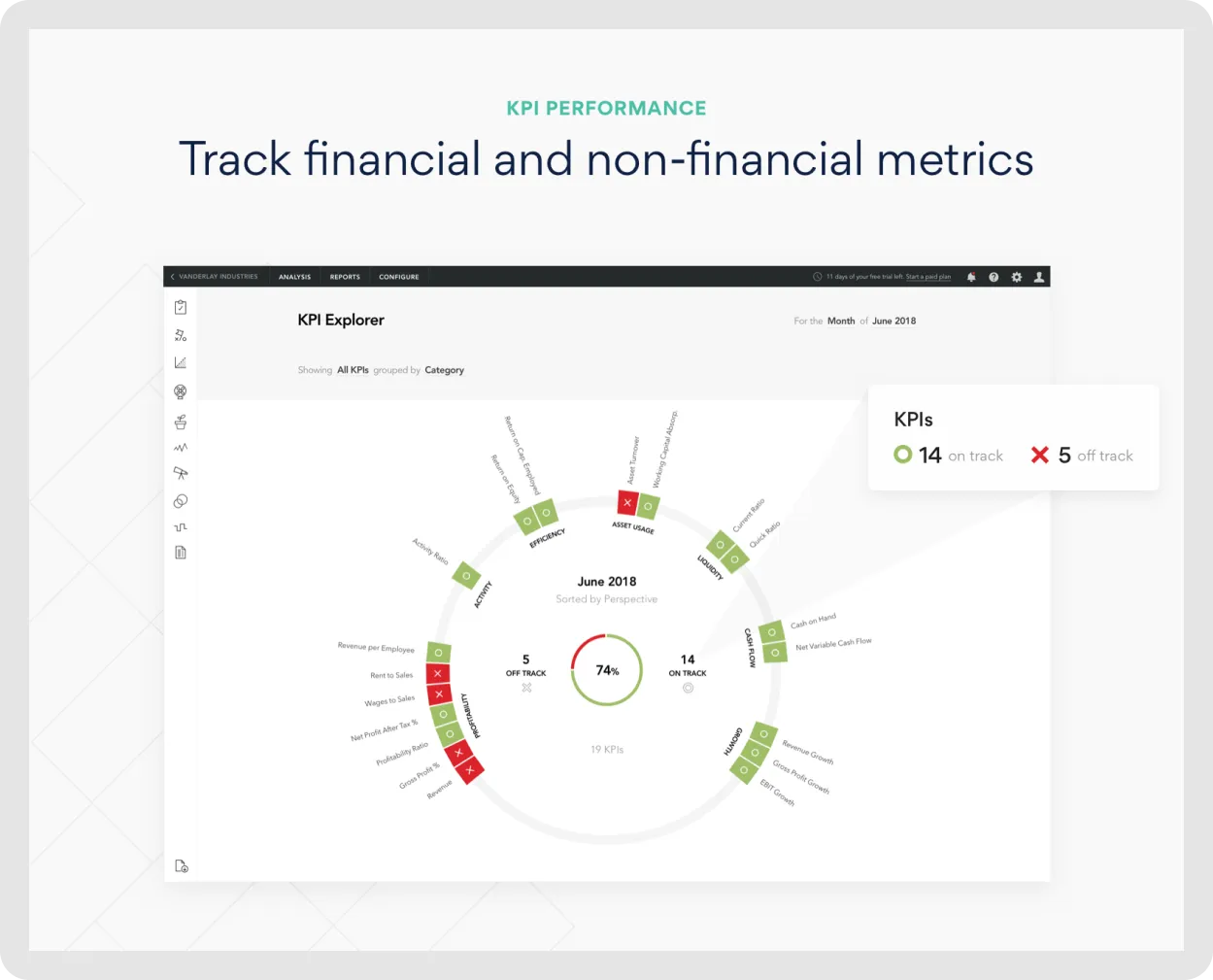
Fathom specializes in advisory firms and accounting practices managing multiple clients. It excels at comparative financial analysis and generating client-facing reports quickly. Less suitable for companies managing their own internal finance function, but a solid pick for outsourced financial service professionals juggling dozens of clients.

Planful competes with Datarails at the enterprise level. It offers similar corporate performance management capabilities but with a more modern architecture. However, it shares Datarails' complexity and cost structure — expect significant implementation time and six-figure annual contracts for large enterprises.
See also: 6 Top Planful Competitors & Alternatives for 2025
Let's see which great features make finance professionals choose Fuelfinance over traditional FP&A software like Datarails.
Here's why Fuelfinance stands out in this Datarails review:
Overwhelmed by implementation timelines and complexity? We'll handle the entire setup process for you. Schedule a demo where we'll analyze your current setup and show you exactly what's possible with modern financial reporting services.
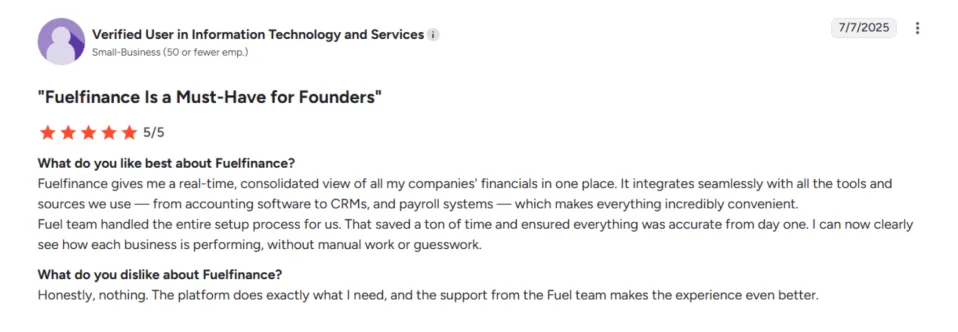
Fuelfinance has a 4.9/5 rating on G2. Users praise how it brings clarity to financial performance. For example, you can see profits by client, project or service rather than just overall revenue.
Here's how these financial planning platforms stack up head-to-head:
Datarails is an interesting option in the FP&A software market. For mid-market finance teams deeply invested in native Excel who need better data consolidation and financial reporting, it solves real problems. The native excel functionality preserves years of institutional knowledge embedded in complex financial models.
But here's the uncomfortable truth: building on Excel's foundation means inheriting its limitations. Performance issues with large data sets, version control complexity and a learning curve that's steeper than advertised all come with the territory. The 3-6 month implementation time and premium pricing for AI insights make it a significant commitment.
For companies starting fresh or ready to move into sophisticated AI predictions, natural language dashboards for anything you need, and expert help to push your company finance forward, modern platforms like Fuelfinance are top of the game. You get the best AI for finance, human expertise from finance professionals, faster implementation and transparent pricing that won't shock you after a sales team call.
Ready to see what modern financial management solutions actually look like? Book your free Fuelfinance demo!
Datarails doesn't publish transparent pricing. Based on customer feedback from popular software review sites, expect annual costs starting around $24,000 with additional implementation fees. Final pricing depends on user count, integrations and advanced features like their AI suite.
Implementation typically requires 3-6 months, depending on your complexity and data sources. While Datarails leverages familiar Excel functionality, users consistently report a learning curve, especially when they try to understand the platform's proprietary formulas, file mapping requirements and data structure conventions. Dedicated customer support helps, but expect several weeks before your team feels confident.
Yes, Datarails works on Mac through its Excel add-in, though some users report occasional compatibility issues compared to Windows.
Datarails is significantly better than basic Excel for finance teams managing multiple data sources and complex consolidation needs. It adds automation, version control, audit trails and AI-powered insights that raw spreadsheets lack. However, it's not necessarily better than Excel for simple financial models or small businesses with straightforward accounting software needs.


Just imagine how that would transform your team’s productivity and focus? Talk to our financial experts to know more.


.webp)