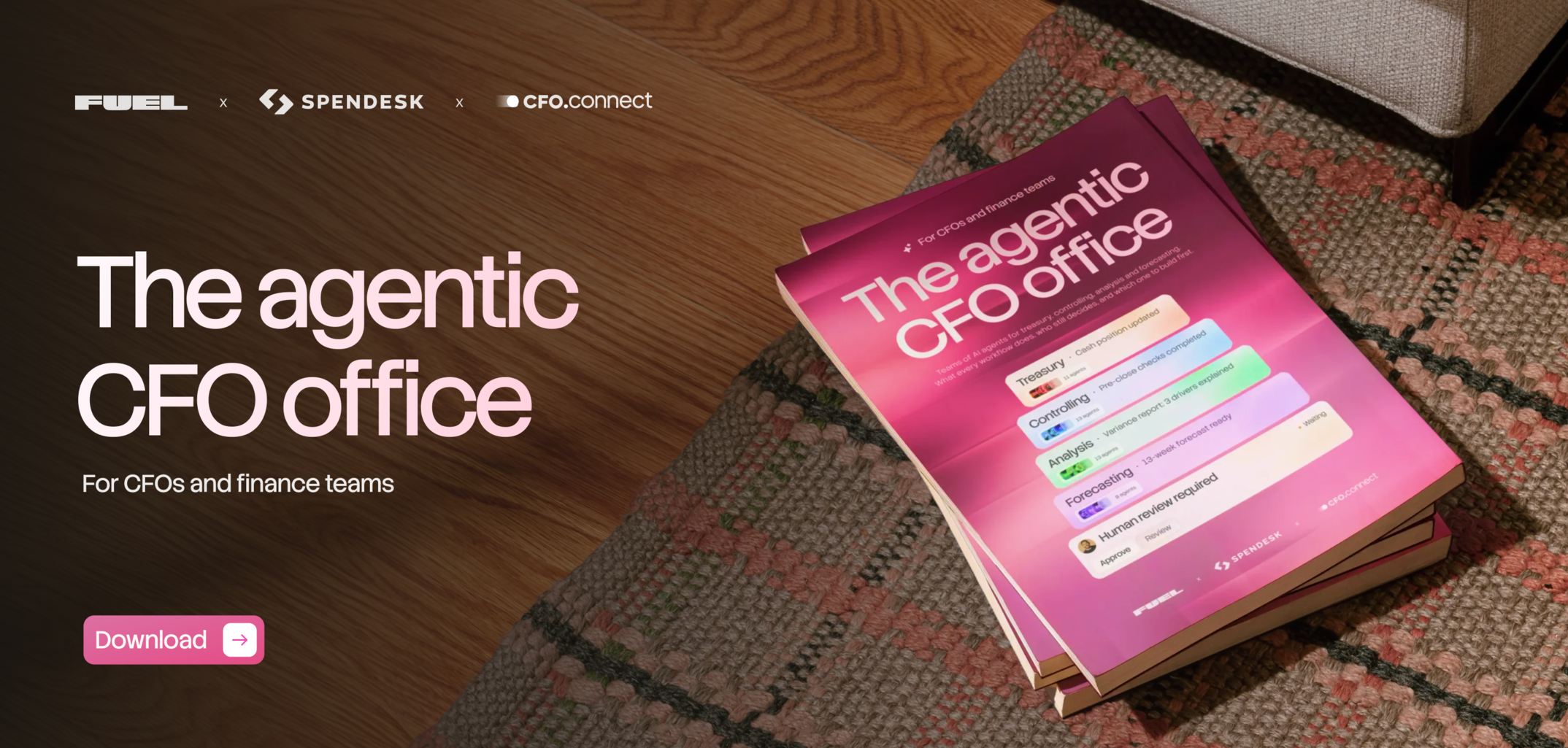
Claude Guide 2.0 is a free, 52-page manual for getting your finance team past prompts and into Claude finance skills, shared context and AI agents that run real workflows. A person still approves every output. We wrote it for CFOs, FP&A leads, controllers and finance ops teams on Claude Pro or higher.
Our first guide showed finance teams how to talk to Claude. Edition 2.0 covers what replaced the prompt library: context that teaches Claude how your business works, skills that make good work repeatable, and agents that run whole workflows while you review and decide. New to Claude? Start with the beginner Claude Guide for CFOs, then come back to this one.
Five blocks get you to a pro-level setup. You audit your context files, connect finance data through Claude connectors with read-only access, and install the skill that builds skills. Then you create one Claude project per deliverable and prove the setup works with a single test question.
A model pick for every finance task, from first builds to quick lookups, based on the Vals.AI Finance Agent Benchmark.
A skill is an SOP that executes. This chapter shows how to take each one from Idea to Standardized by running it across real closes.
Before an agent touches your numbers, check what it’s reading. The AI data-readiness checklist runs six layers and 30+ checks: chart of accounts mapping, intercompany eliminations, splits and allocations, cross-system joins, outlier detection and accounting review. Real examples show what each fix changed, like a $14K gap between billing and GL revenue.
This is the shared context layer that teaches Claude how your business works: company context, metrics, chart of accounts, revenue model, close history, accounting policy and more. Three standards keep it useful: one topic per file, an owner and date on each, and a monthly refresh.
When should a task become code, and when does it need an agent? One test decides it: would two people doing it by hand get the same answer? You’ll also get plan mode, connecting systems through APIs and keeping keys out of the code.
Three real builds in order of difficulty, each with the time, tools and data you’ll need. There’s a what-if cash model you can talk to (about 1 hour), a weekly executive dashboard (about 2 hours) and a revenue reconciliation tool (45–60 minutes).
OpenAI’s CFO Sarah Friar built an AI-native finance team. We look at what she learned and what it means when you’re not OpenAI. Then comes the practical path: map every workflow first, pick an entry point, and watch for shadow automations and attention decay.
This is what a multi-agent finance operation looks like: context, integrations, an orchestrator, workflows and agents, with a human approval gate between every workflow. We take a close look at the 9-agent Controller workflow and where to start if you’re building your own.
Six security habits, 10 controls and a one-prompt security audit you can run on any AI workflow that touches financial data.
AI-first finance teams have a new role: someone who builds their own workflows, agents and skills instead of only using AI tools. The chapter covers what the role includes, how it fits into the finance org, and where to keep learning.
The best first skill is the one that builds all the others. About 20 finance managers tested the guide’s skill builder over real closes. Before it writes a single line, it interviews you about the recurring task:
Every skill it writes follows three rules. The human approval gate is a hard block. If confidence drops below 0.7, the skill escalates. Numbers come from sources with the formula shown, never from the model’s own math. Variance commentary, the weekly cash email or board-pack formatting all make a good first skill.
It can be, if you design access before you connect anything. Our security partner Quillon reviewed the guide’s 10 controls, and each one ends with a question to ask first:
Know your data · Know where it goes · Least-privilege access · Separate read from write · No credentials in prompts · Intentional persistent context · Sanitized data first · Traceable outputs · Humans at control points · Govern the whole workflow
Our 9-agent Controller workflow checks the close against the general ledger and source documents. A check that took one person 2–3 days now takes about 2 hours. On our own close, it flagged eight items for our CFO to double-check.
“I stopped being impressed by how many agents a finance team has running. What impresses me now is whether they trust the output enough to stop checking it by hand.” - Meghan Curtin McKenna, Founder & CEO, FIF Collective
Get the guide and build your first skill this week. Or skip the build and trust Fuel to get your first workflow running on your data in 4 weeks.