See The New Fuel Live Recording


Your ERP is only as useful as the environment around it.
Your sales orders flow through. Transactions are logged. The data is there. And yet your finance team is still spending half the month manually pulling reports, reformatting exports, and trying to reverse-engineer whether the business is actually growing profitably.
If you've been using Microsoft Dynamics as your ERP tool, you probably hit the same wall as most people: the ERP system captures everything, but it doesn't interpret anything. And the gap between raw data and real financial insights is exactly where you're losing your time, money and clarity.
This article covers the top Microsoft Dynamics 365 integrations worth your attention. We'll start with financial intelligence (because that's usually the most expensive blind spot), then move through the rest of your stack.
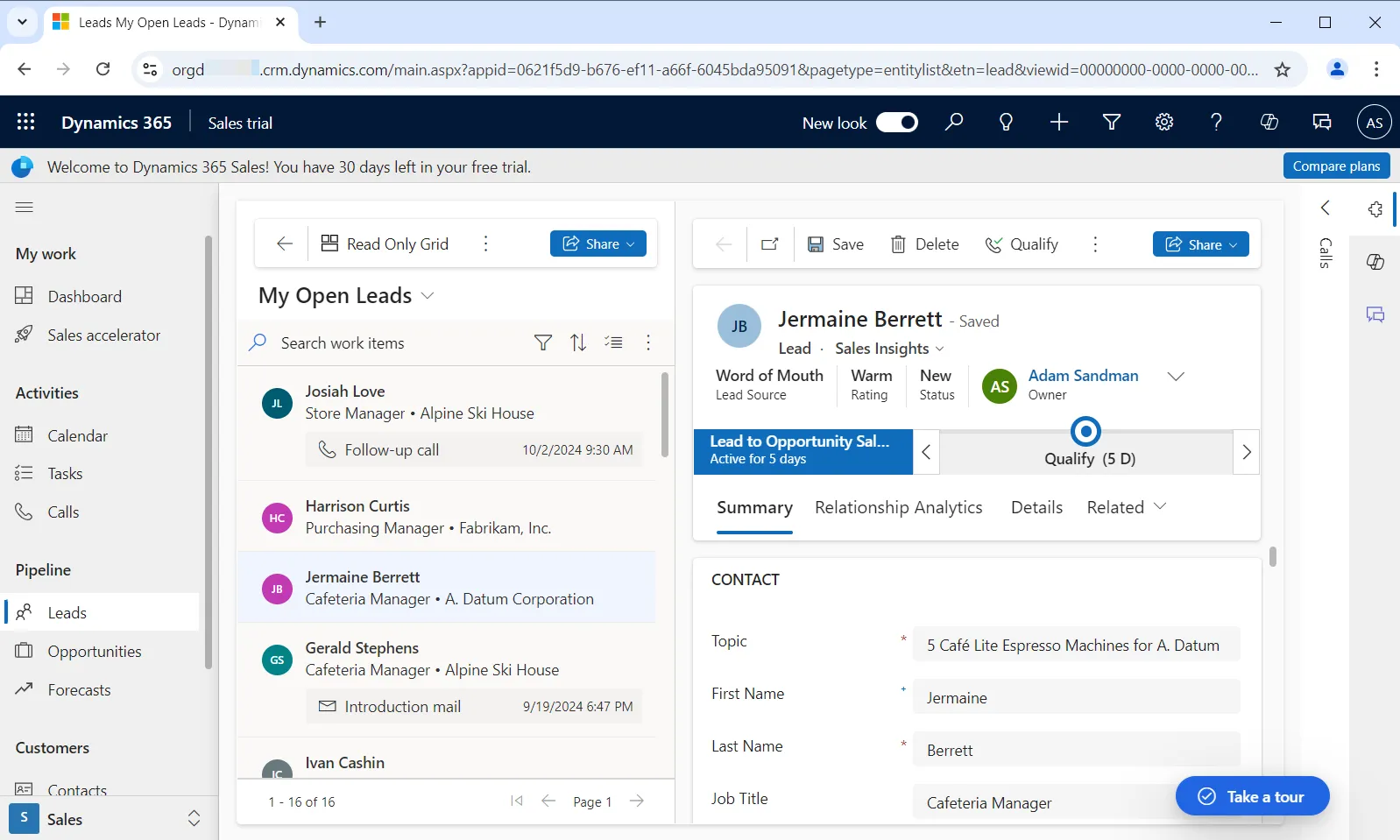
Microsoft Dynamics is great for managing business operations, tracking transactions, handling sales orders across your organization, keeping the books intact. For companies running on spreadsheets and disconnected systems, moving to Dynamics is a real upgrade.
Source: Inflectra Corporation
But here's the thing.
It wasn't designed to answer the questions that actually run a $20M–$100M services business. What's our runway if we hire five people next quarter? Which clients are dragging down margin? Where exactly are we leaking cash? Those are FP&A software-type questions, and Dynamics doesn't do FP&A. It stores and surfaces existing data — it doesn't build forward-looking financial models, flag anomalies before they hurt your business, or tell you what your unit economics look like by channel.
So, let's have a look how you can extend Dynamics' capabilities to help you grow your business with data-based decisions.
These tools made the list because they solve specific problems and keep your data clean across systems. A few cover complex integration scenarios like multi-entity finance, global AP or ecommerce platforms. Others handle more straightforward, but still pretty useful workflows.
Before the full breakdown, here's a quick comparison view.

If Dynamics 365 is your ERP, Fuelfinance is your fractional CFO.
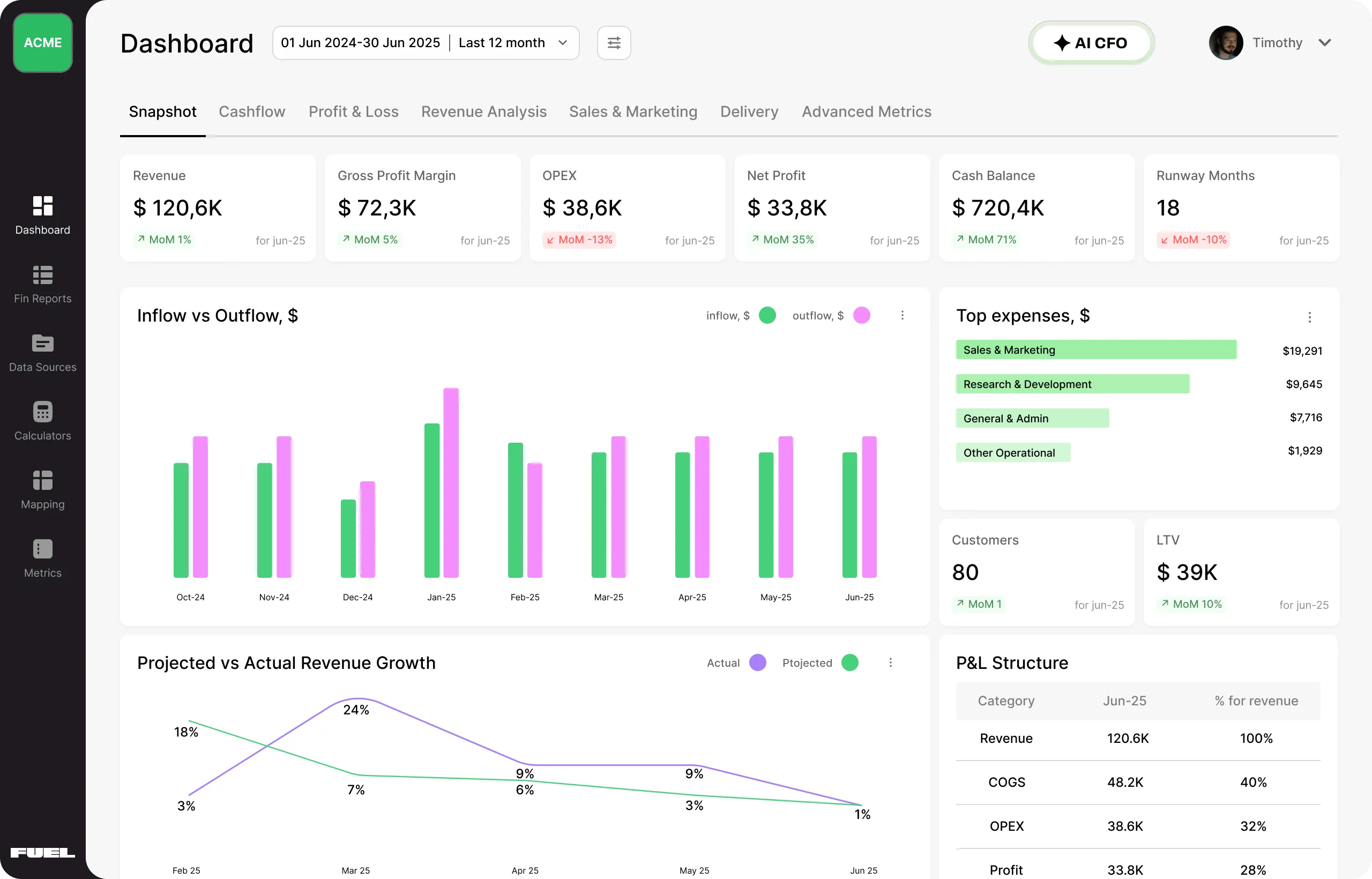
It turns your ERP data into decisions, connecting directly to Microsoft Dynamics (plus 350+ other tools), and builds a real-time financial picture on top of what Dynamics already captures, no manual data entry involved.
Fuelfinance is built for SMBs, agencies and growing companies. The kind of organizations that have real complexity but don't have the headcount to manage it internally.
Here's what it can do:
Mike Helsel, Senior Director of Research in Gartner's Finance practice, put it plainly: "AI-driven planning and forecasting tools have the potential to deliver more accurate forecasts and enhance strategic agility by enabling faster responses to market changes." Fuelfinance is that layer — sitting on top of your Dynamics data, doing the work your ERP never could.
Source: Microsoft
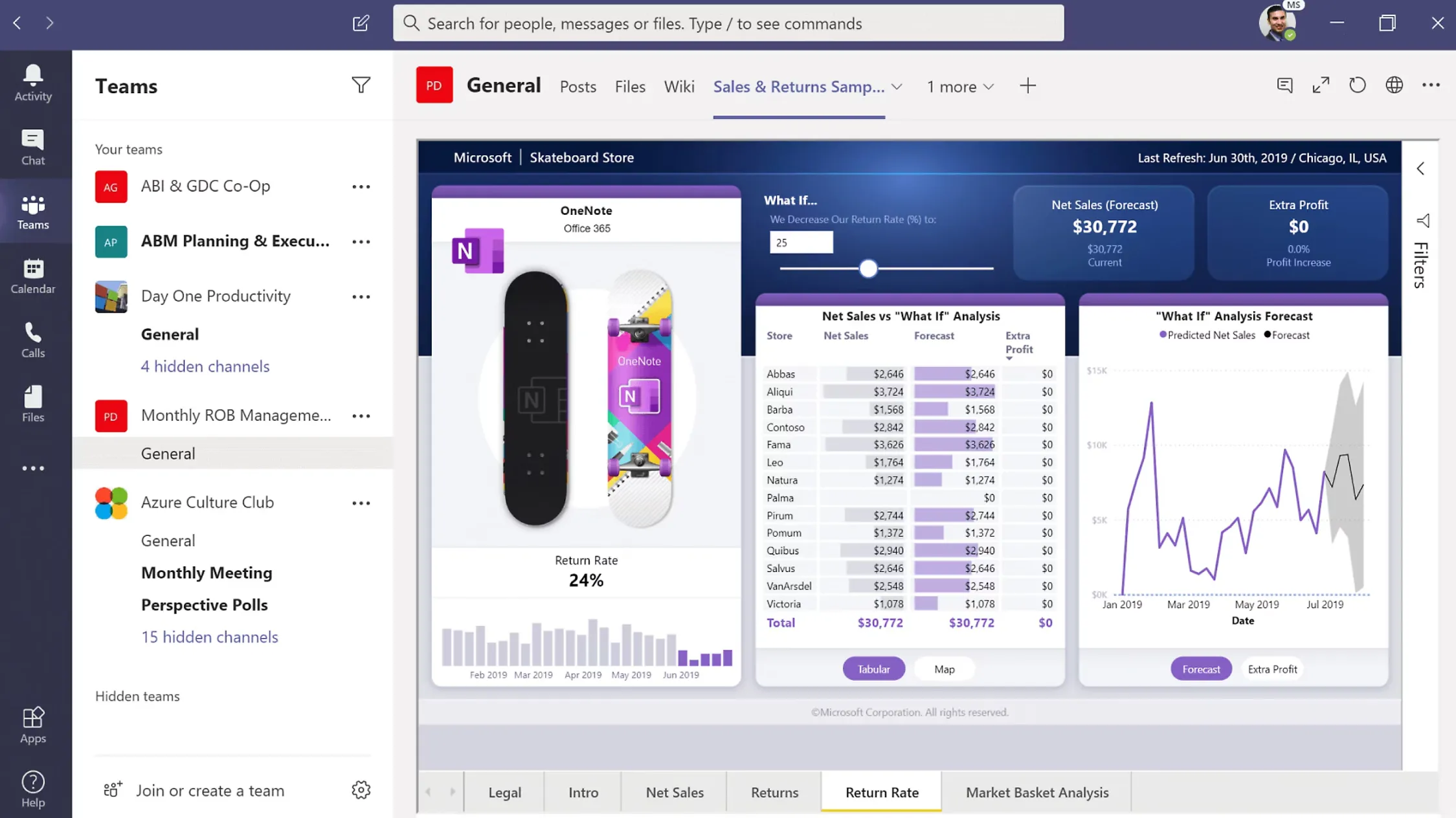
Power BI is the obvious first integration most Dynamics 365 users explore. It's a Microsoft product after all, so it connects natively to Dynamics, with finance, sales and operations modules all included, giving executives a high-level KPI view without much friction. A tenant administrator can set it up without calling in a developer. The user interface is clean, and the data analytics capabilities fairly broad.
Having a system where sales, finance and operations data flows freely between platforms maintains a single source of truth. Power BI helps with the visualization part of that, and as part of the broader Power Platform ecosystem, it connects well to Power Apps and other Microsoft tools.
The thing is, though: Power BI shows you what happened. It doesn't tell you what's coming, what's wrong, or what to do about it. There's no forecasting, anomaly detection or any FP&A layer. You still have to build the models yourself — which takes real finance expertise and time that most growing teams don't have to spare. It's a visualization tool that becomes genuinely powerful when paired with someone who knows how to build the underlying logic.
Used well, it's a solid piece of the stack. Just don't confuse dashboards with financial planning tools.
Source: Intersys
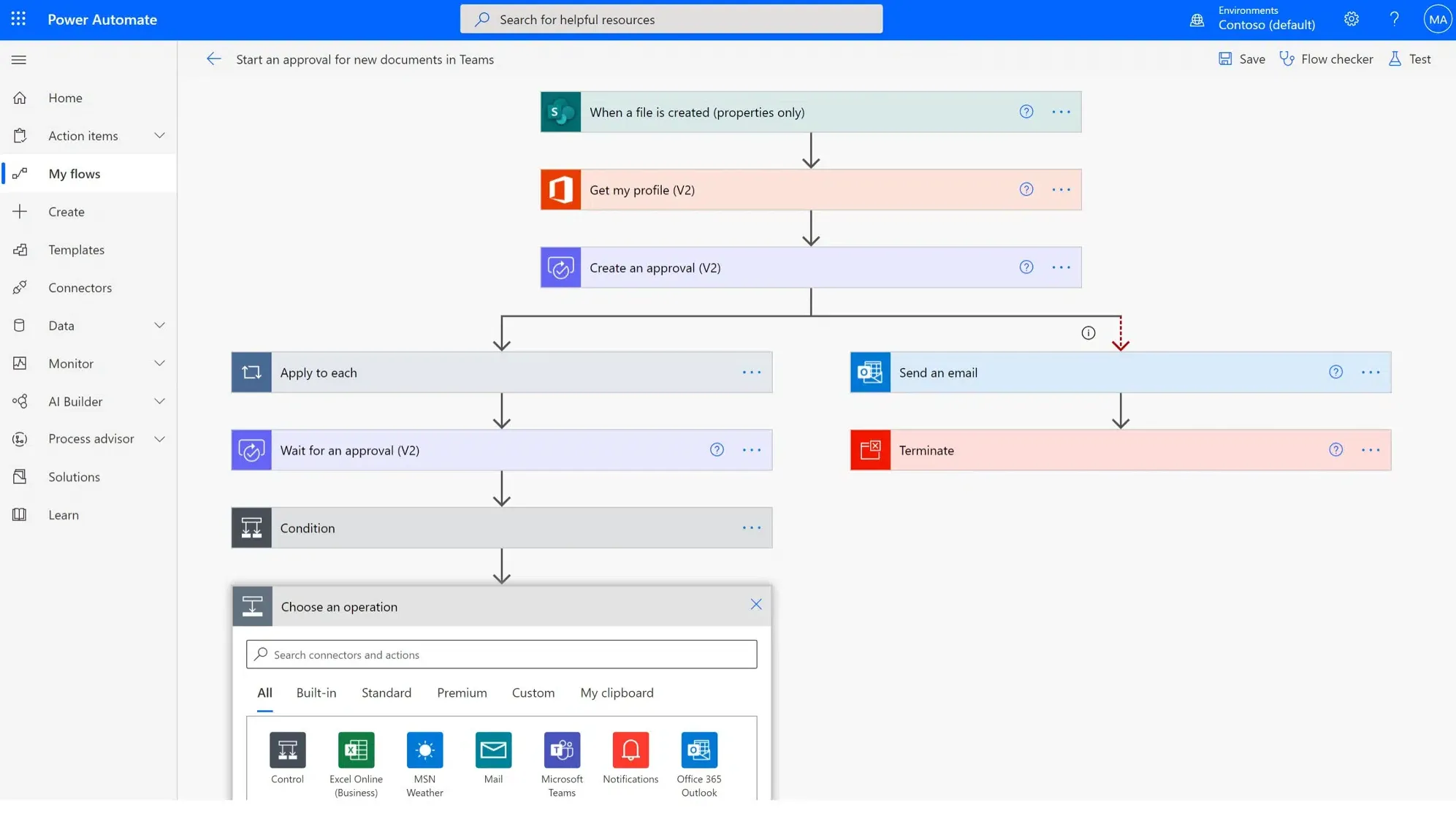
Power Automate is the low-code glue that connects Dynamics 365 to the rest of your operations. It automates workflows across like approval routing, invoice processing, customer notifications and data sync between Dynamics and other applications, without requiring a developer for most use cases. The drag-and-drop builder is accessible enough that finance and operations teams can create new connection flows themselves.
It's part of the Power Platform suite, which means it works well with Power BI, Power Apps and Dynamics natively, making it good for internal workflows and straightforward integration scenarios.
Limitation: Large volumes of data can cause latency and performance issues. And when you start integrating deeply with third-party software outside the Microsoft ecosystem — particularly tools that require complex data management or financial logic — Power Automate starts to feel like the wrong tool for the job.
Source: G2
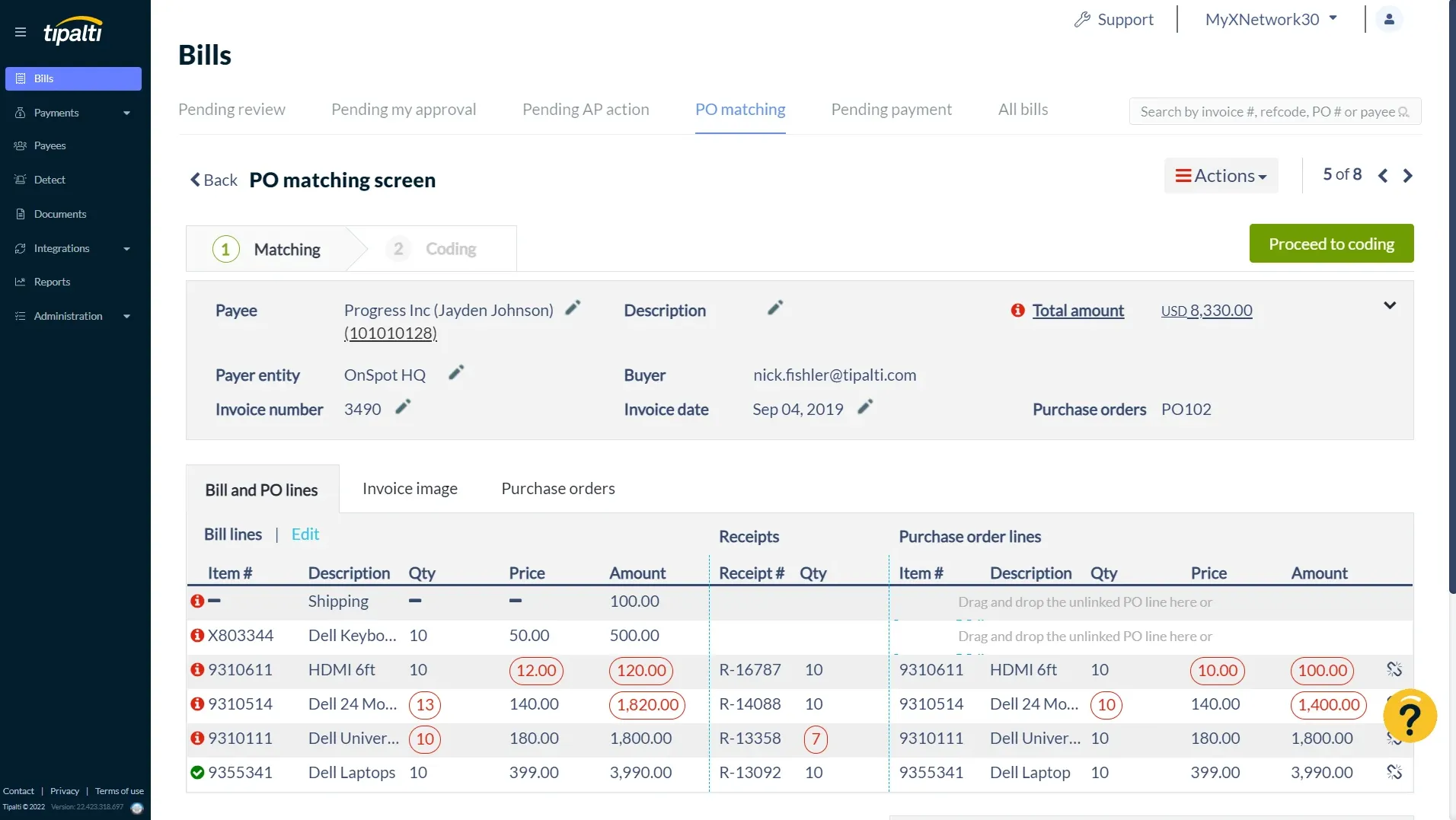
Tipalti connects to Dynamics 365 to automate accounts payable end-to-end: invoice capture, vendor onboarding, global payments across countries and currencies, tax compliance and reconciliation, all back into your ERP. For organizations managing high payment volumes across multiple entities, the operational lift of doing this manually inside Dynamics is real, and Tipalti eliminates most of it.
The integration significantly reduces errors. Payments get processed, and the data flows back into Dynamics without anyone touching a spreadsheet.
Tipalti is an AP tool only, though. It handles outbound payments and vendor management well, but its capabilities end there. It doesn't give you full financial visibility, forecasting or FP&A capabilities.
Source: HubSpot
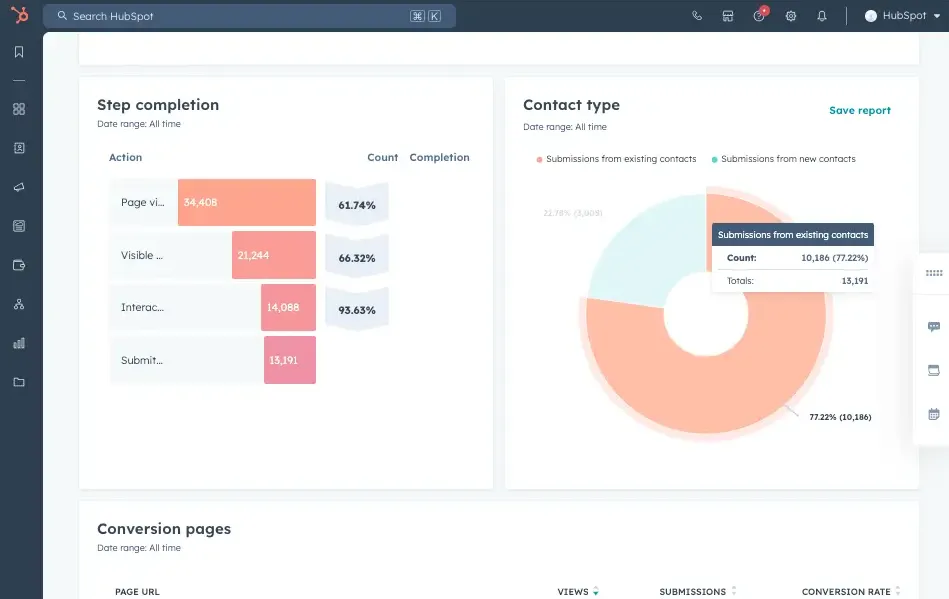
HubSpot's Dynamics 365 integration syncs contact records, sales pipeline activity and marketing engagement data bidirectionally, so when a deal closes in HubSpot, the information moves into Dynamics automatically, no manual data entry.
For agencies and SaaS companies tracking ARR, this sync matters a lot. Your customer relationship management data and your financial data need to be telling the same story — and keeping them in separate systems with no connection is how discrepancies get buried. The HubSpot integration keeps sales and finance teams working from the same customer data.
Fuelfinance also integrates with HubSpot, which means pipeline data flows directly into your financial dashboards alongside P&L and forecasts. Sales performance and financial performance, side by side.
See also: Best HubSpot integrations for growing companies
Source: Kubix Media
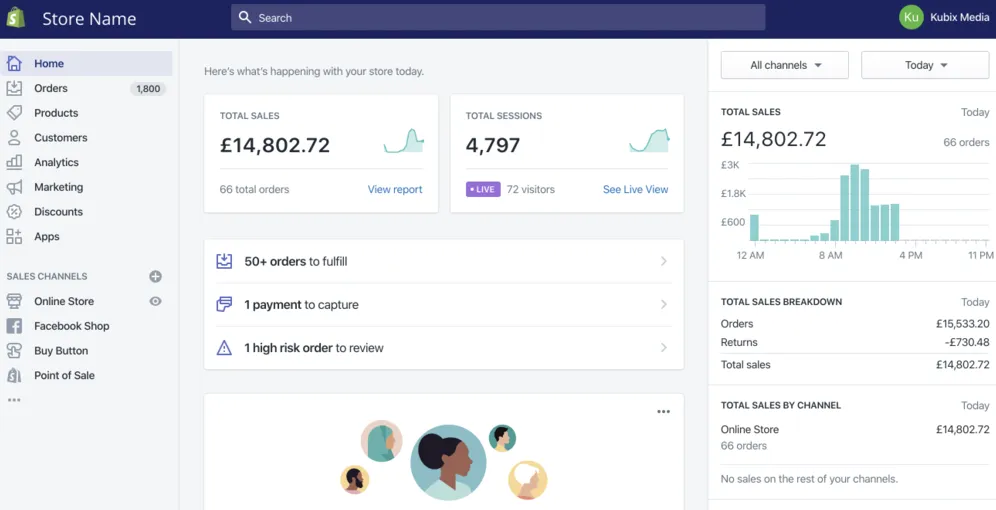
For product-based businesses, managing ecommerce platforms and back-office operations in separate systems creates constant friction. Shopify's Dynamics 365 integration resolves it by syncing orders, inventory, customer records and product data in real time across both systems.
It works especially well for companies that scaled on Shopify and added Dynamics later — or those migrating away from legacy systems that couldn't handle the transaction volume. The integration automates order processing, keeps inventory accurate across both platforms, and eliminates the double-entry that used to eat up hours every week. For companies running on Adobe Commerce or a similar ecommerce infrastructure alongside Dynamics, the same principle applies: real-time sync between your storefront and your ERP is the key result that justifies the setup.
Source: Tilda Help Center
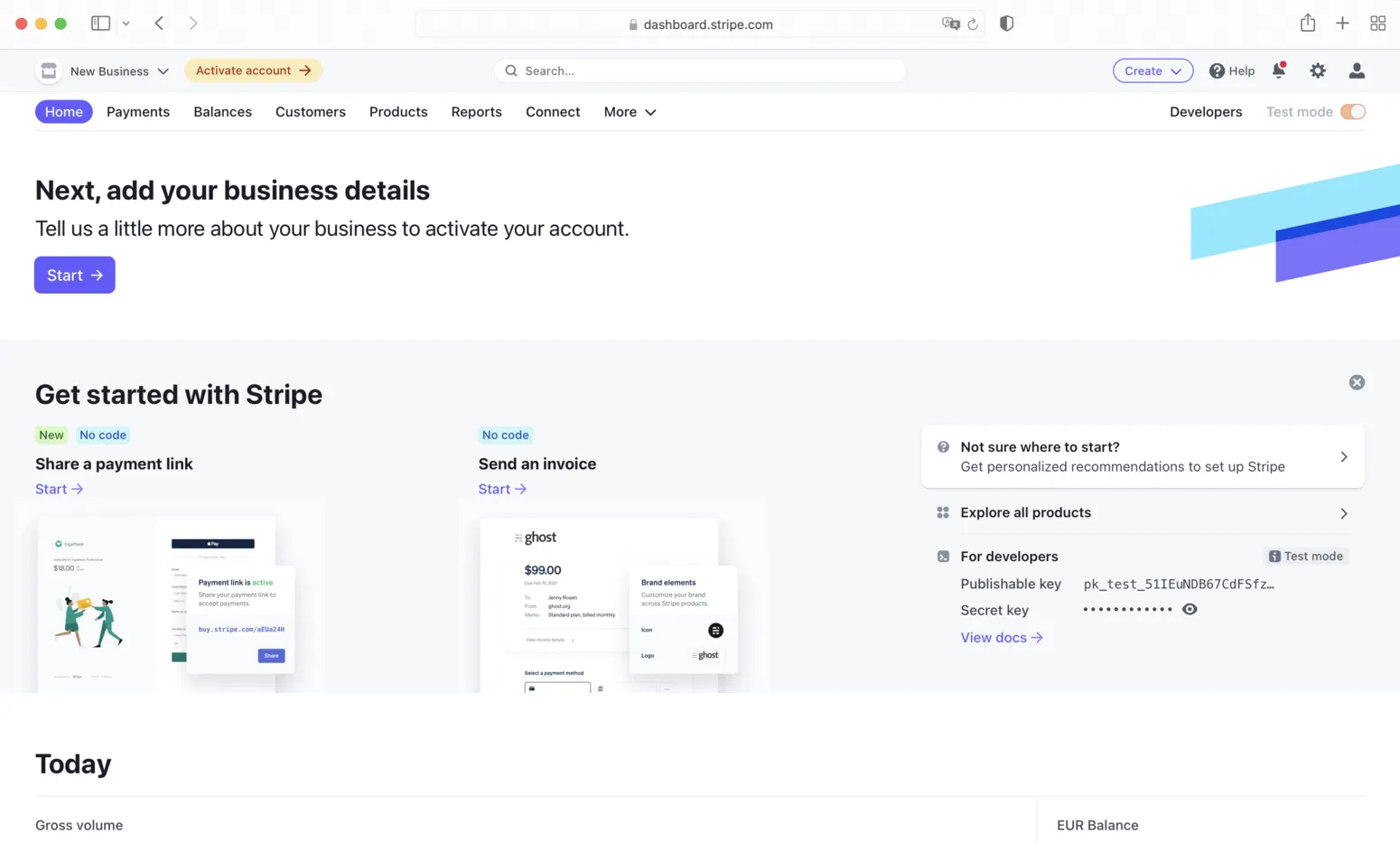
Stripe's Dynamics 365 integration pulls subscription and payment data into your ERP — MRR, churn, revenue recognition, refunds, the lot. For SaaS companies especially, this is the connection that turns Dynamics into a complete financial picture, complete with the revenue story.
Without it, your finance team is manually reconciling Stripe dashboards with Dynamics every reporting cycle. With it, transactions flow through automatically and land in your accounting records without you having to touch any other systems.
Combined with Fuelfinance (which also integrates with Stripe) that revenue data feeds into clean dashboards with forecasted trajectories layered on top. You can see, in real time, whether you're ahead or behind plan on any given metric.
Source: Cloudfronts
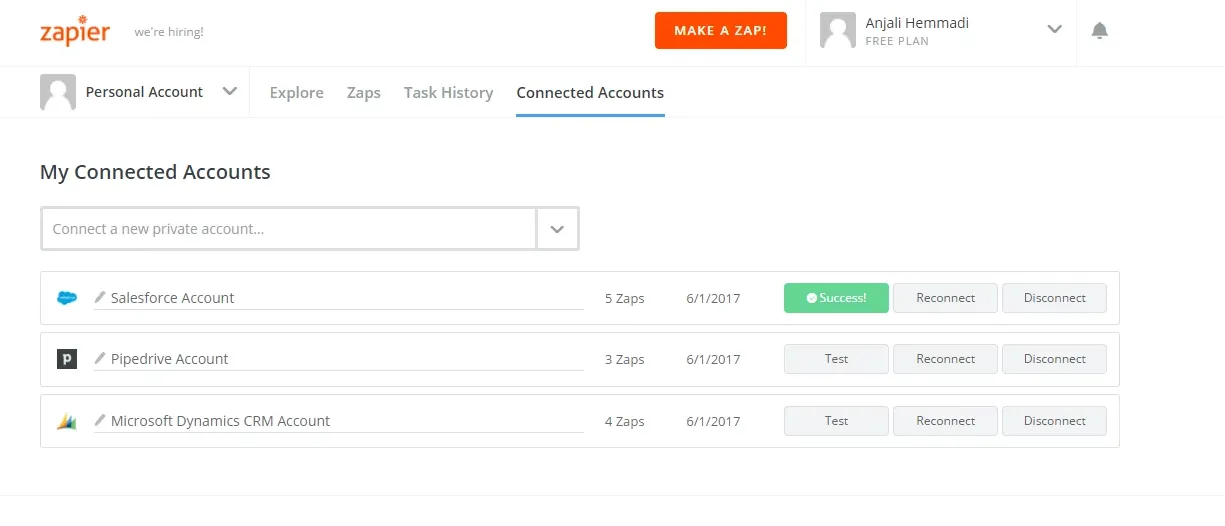
Chances are, not every tool in your stack has a native Dynamics 365 connector. Some of the best tools for specific functions, like niche CRMs, marketing platforms or internal tools, don't necessarily connect to enterprise ERP systems, and neither would you want to abandon them. Zapier closes that gap using trigger-based automation and thousands of pre-built app connections. No coding required.
It works reliably for lightweight use cases , e.g., syncing form submissions, sending notifications or routing basic data between cloud tools. For anything involving complex finance automation, multi-step logic or large volumes of financial data moving between systems with tight accuracy or security requirements, it's not the right infrastructure.
Microsoft Dynamics 365 is the foundation — a seriously capable ERP system that handles the operational complexity of a growing business. But as we see a huge rise in AI-enabled ERP tools, most CFOs are still in the early stages of adoption, held back by data quality issues, integration complexity and skills gaps. If you want to see yourself on the winning side, you'll need to build the intelligence layer on top of your ERP right about now.
The integrations in this guide cover different corners of your operations: CRM, payments, AP, ecommerce, automation. Each one solves a real problem. But the integration that connects all of it into an actual financial strategy, complete with runway, profitability, cash flow forecasting, plan vs. actual and unit economics visibility, is Fuelfinance.
Your Dynamics data is already there. Connect Fuelfinance to it and see the full picture, without months of setup or a full-time finance hire. Book a free Fuelfinance demo to see how it can help you grow.
The most common Microsoft Dynamics integrations include financial management and FP&A tools (Fuelfinance), business intelligence platforms (Power BI), customer relationship management systems (HubSpot), accounts payable automation (Tipalti), ecommerce platforms (Shopify), payment processors (Stripe) and workflow automation via Power Automate or Zapier. The highest-impact starting points for most growing companies are financial visibility and CRM sync because those two gaps create the most expensive operational blind spots.
Dynamics 365 captures and organizes financial data well, but it wasn't built for financial analysis or forward-looking planning. It doesn't generate forecasts, track plan-to-actual variances, calculate unit economics or flag anomalies in your data. Most finance teams end up manually exporting Dynamics data into spreadsheets to do that work, which creates errors, delays and a reporting cycle that's always slightly behind reality. Tools like Fuelfinance close that gap.
It varies by tool and complexity. Native integrations can be set up in hours to a few days. More involved integration scenarios — particularly those involving on-premises legacy systems or custom data management logic — can stretch to weeks.
Start withidentifying the problem you're trying to solve, not the feature list. If you need financial planning software, look for real-time dashboards, AI forecasting and plan vs. actual tracking, not just visualization. Check whether data flows bidirectionally, what implementation actually takes and how support works after go-live. The next steps after evaluating any integration tool would be to run a pilot on real data and see what changes.


Just imagine how that would transform your team’s productivity and focus? Talk to our financial experts to know more.